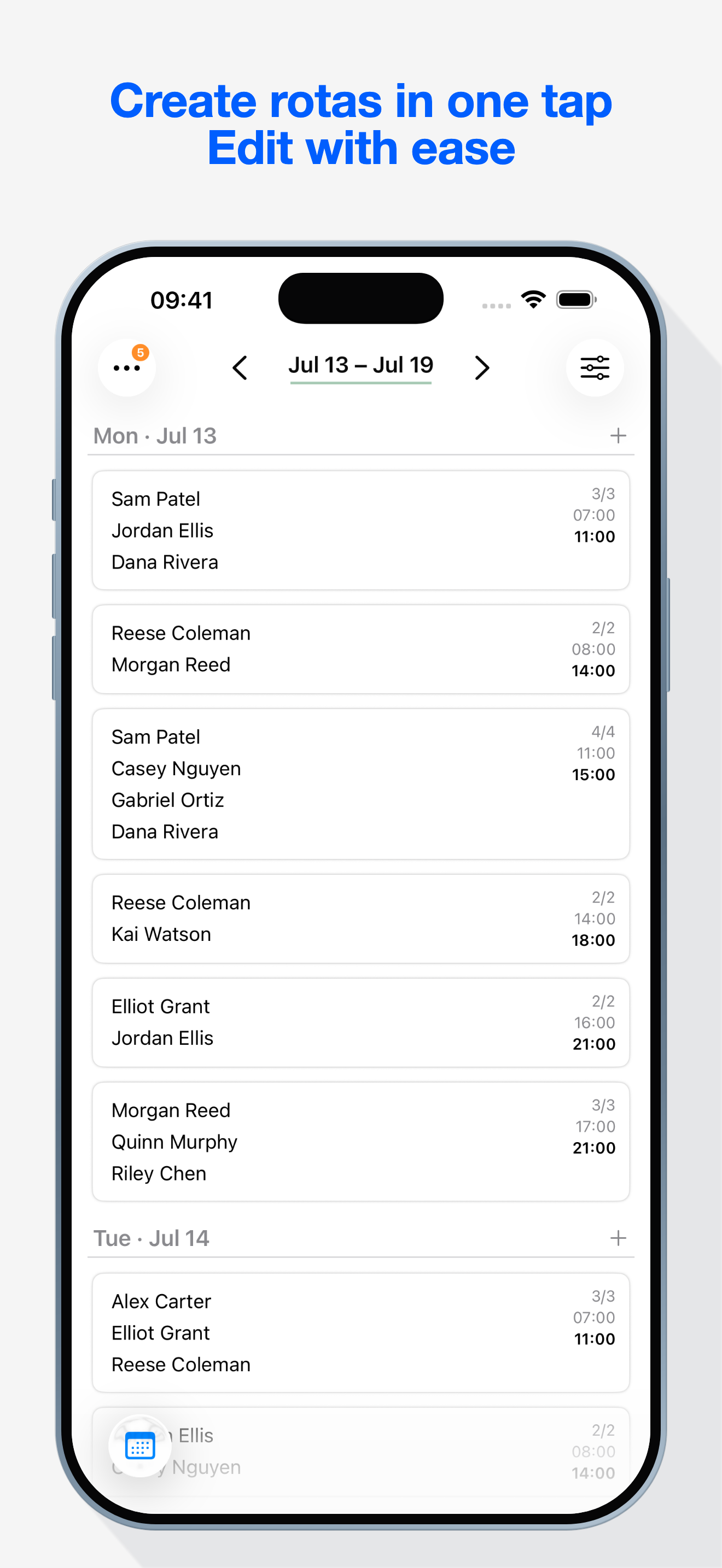
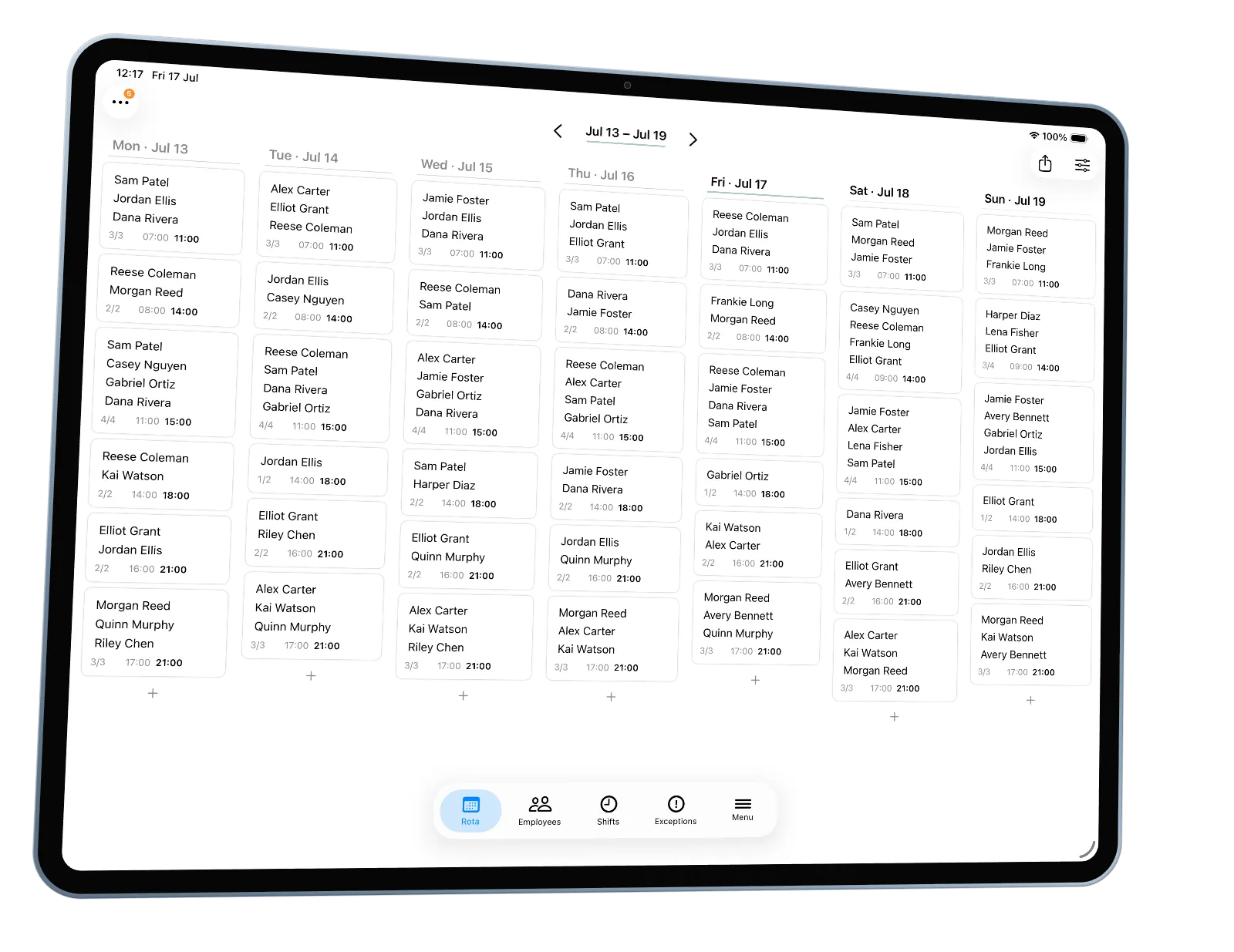
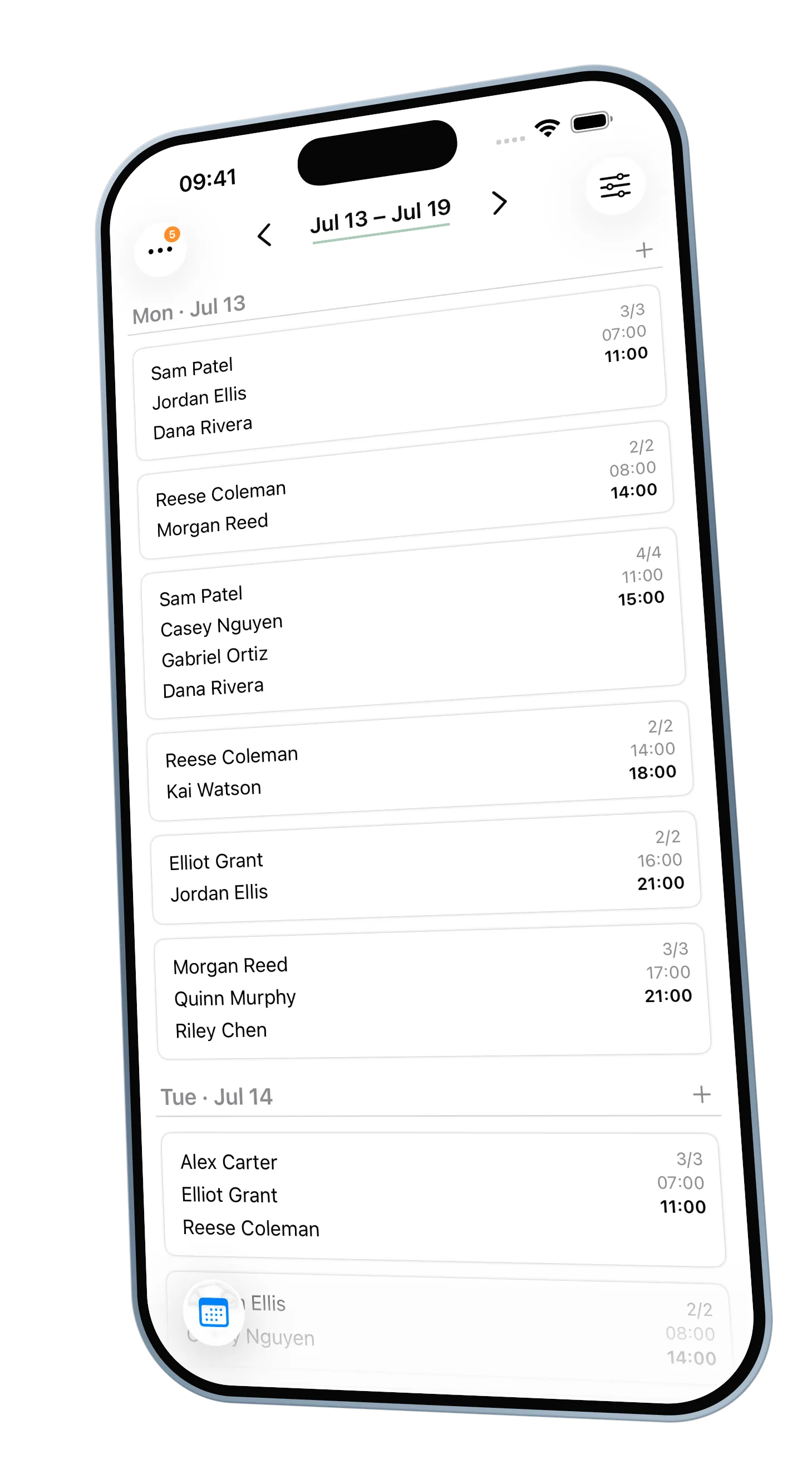
The week's rota,
built in a tap.

autorota turns your team's availability into a fair, editable schedule you can export and share. No accounts, no tracking, no fuss.

For iPhone and iPad · syncs through your own iCloud

How it works

Three steps, then it's Tuesday's problem no more.

1Sketch your shifts

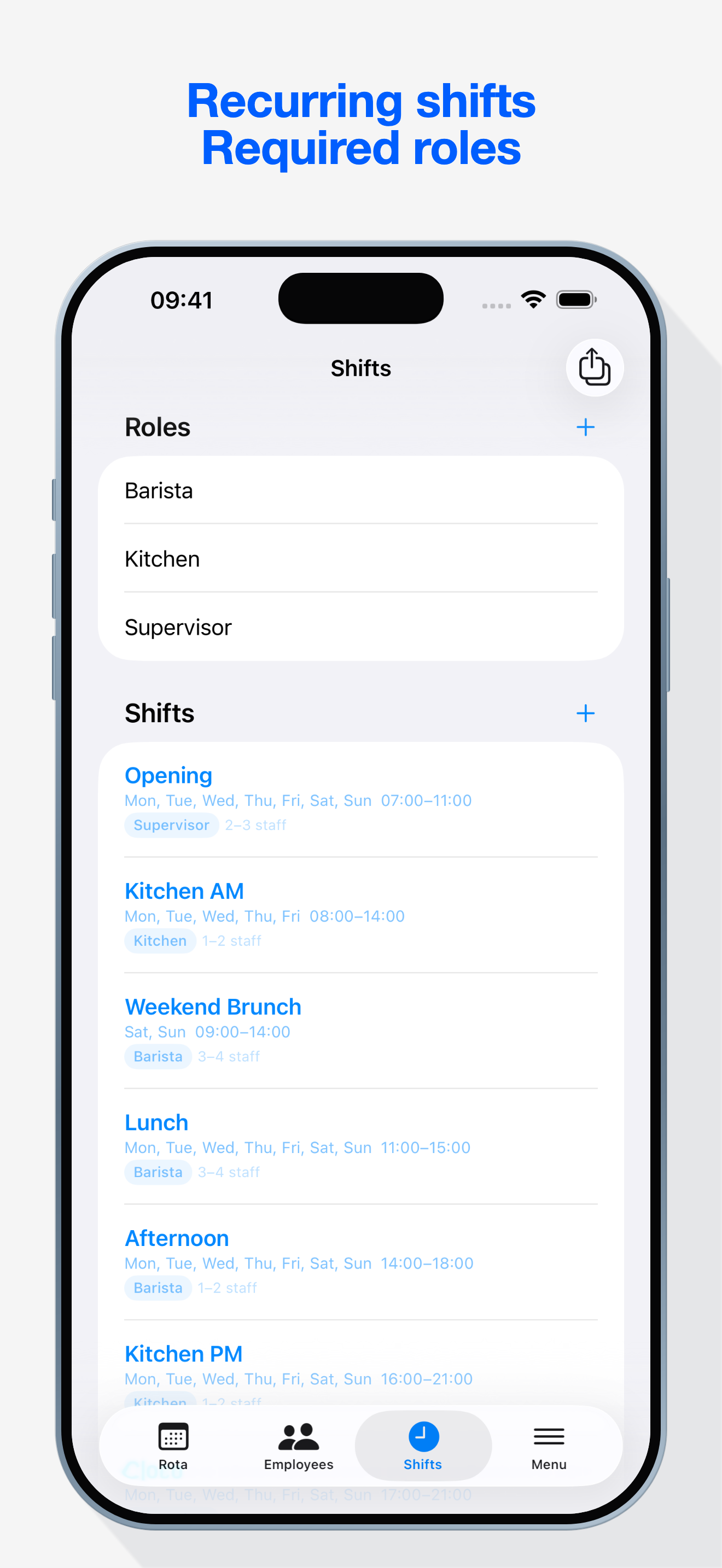
Days, times, roles, how many people you need — set the week's shape once and reuse it.

2Collect availability

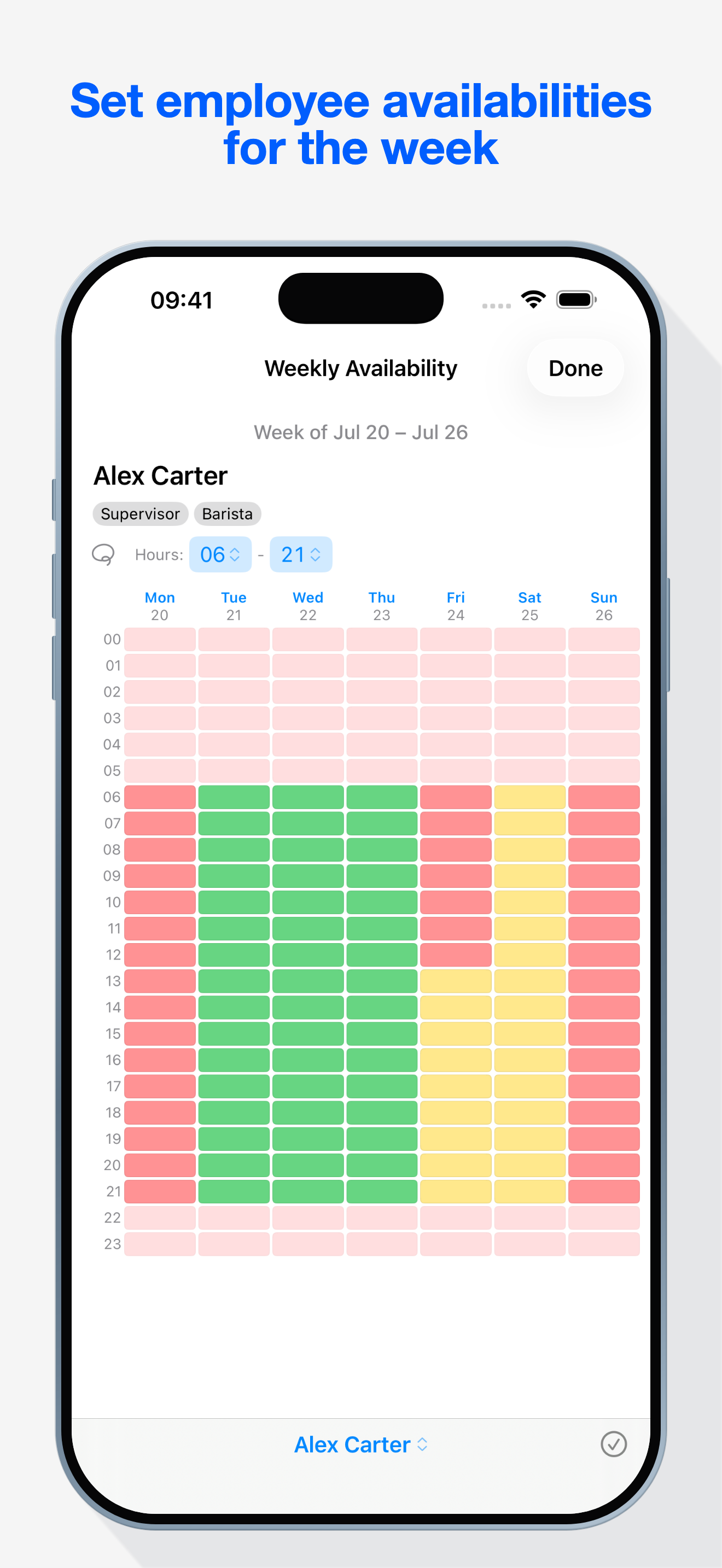
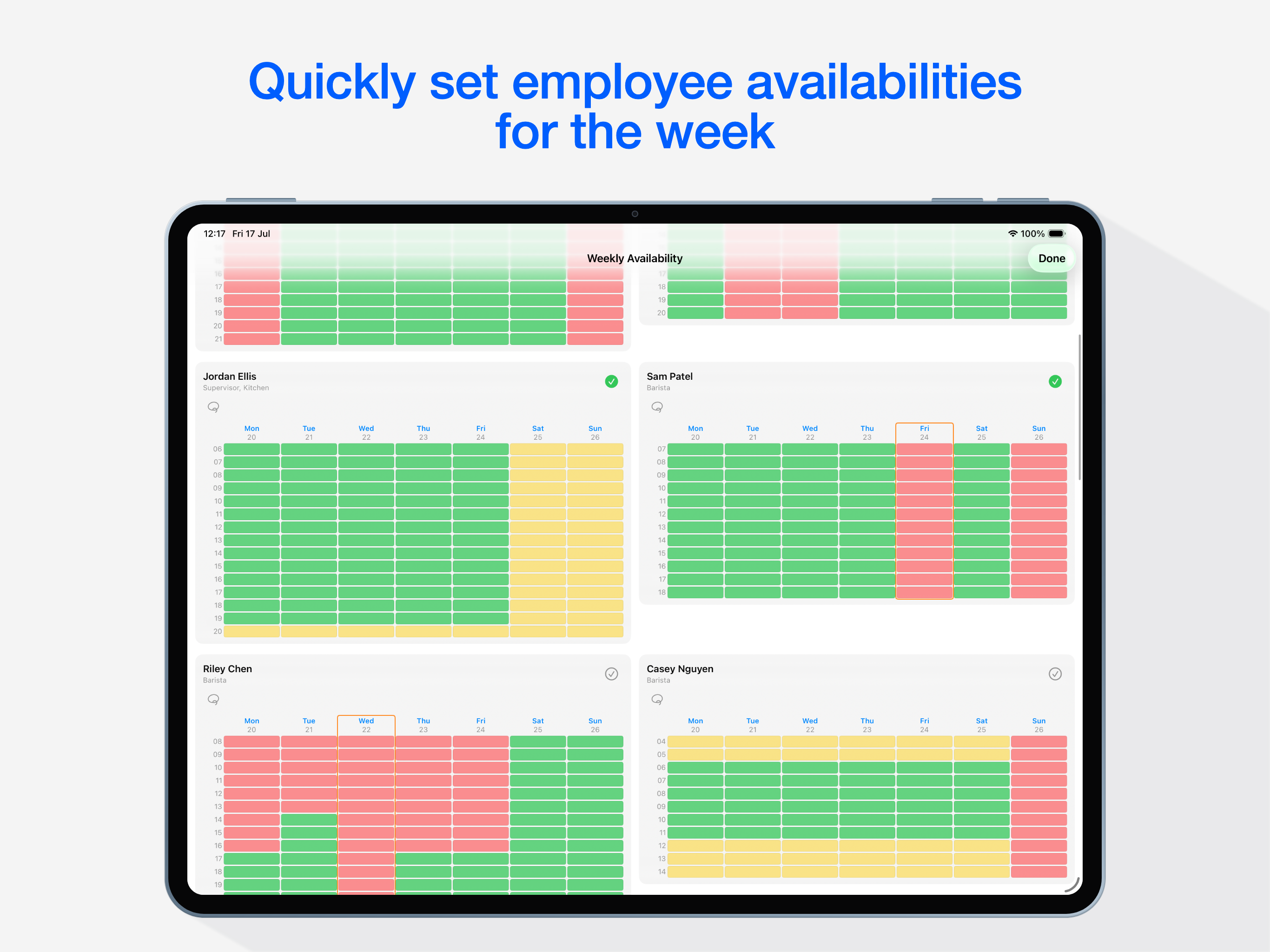
Everyone marks their hours yes, maybe, or no on a simple grid — a weekly pattern plus one-off exceptions.

3Generate the week

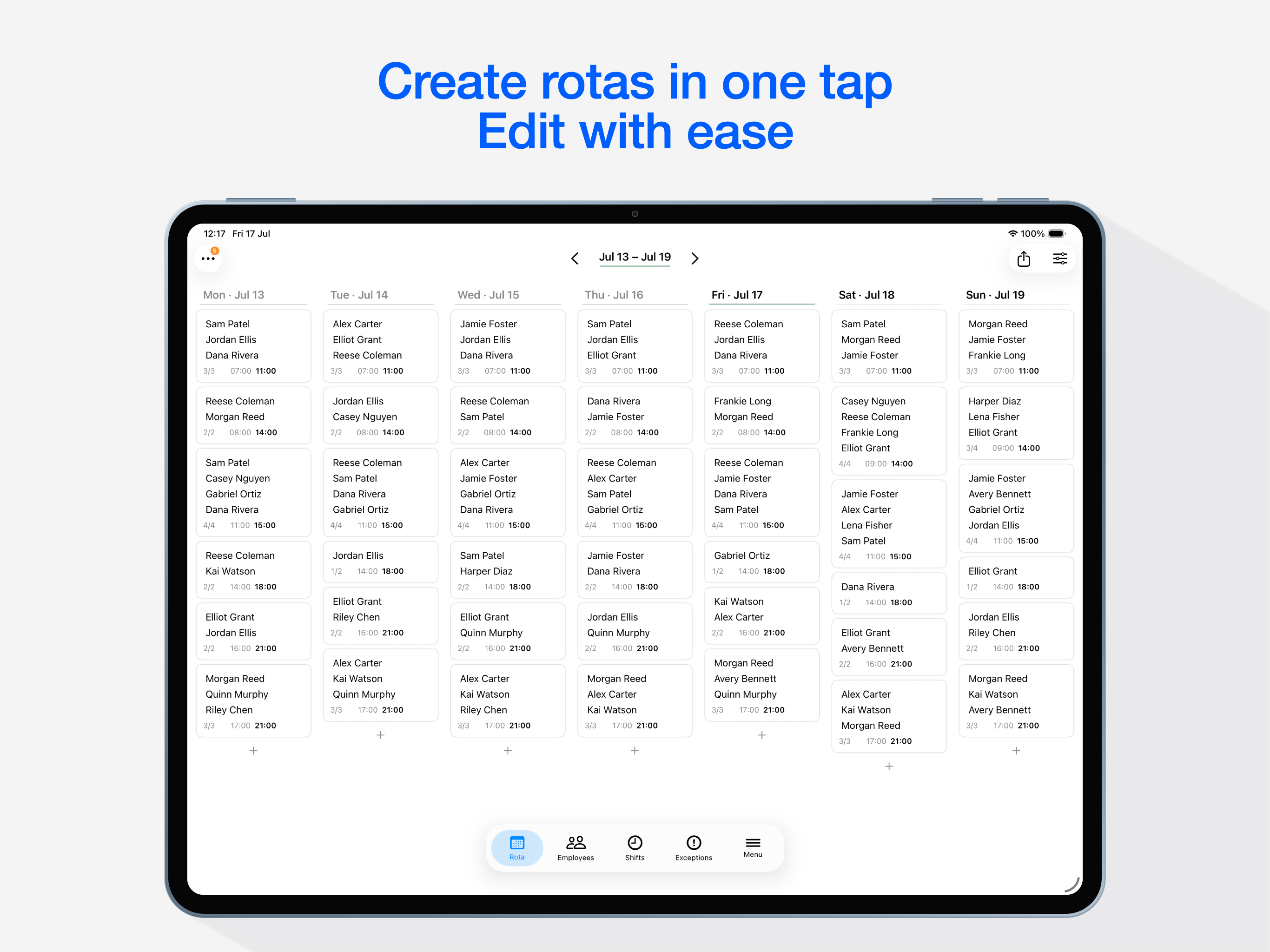
One tap places everyone fairly — available, qualified, inside their hour limits. Then edit freely.

See it step by step →
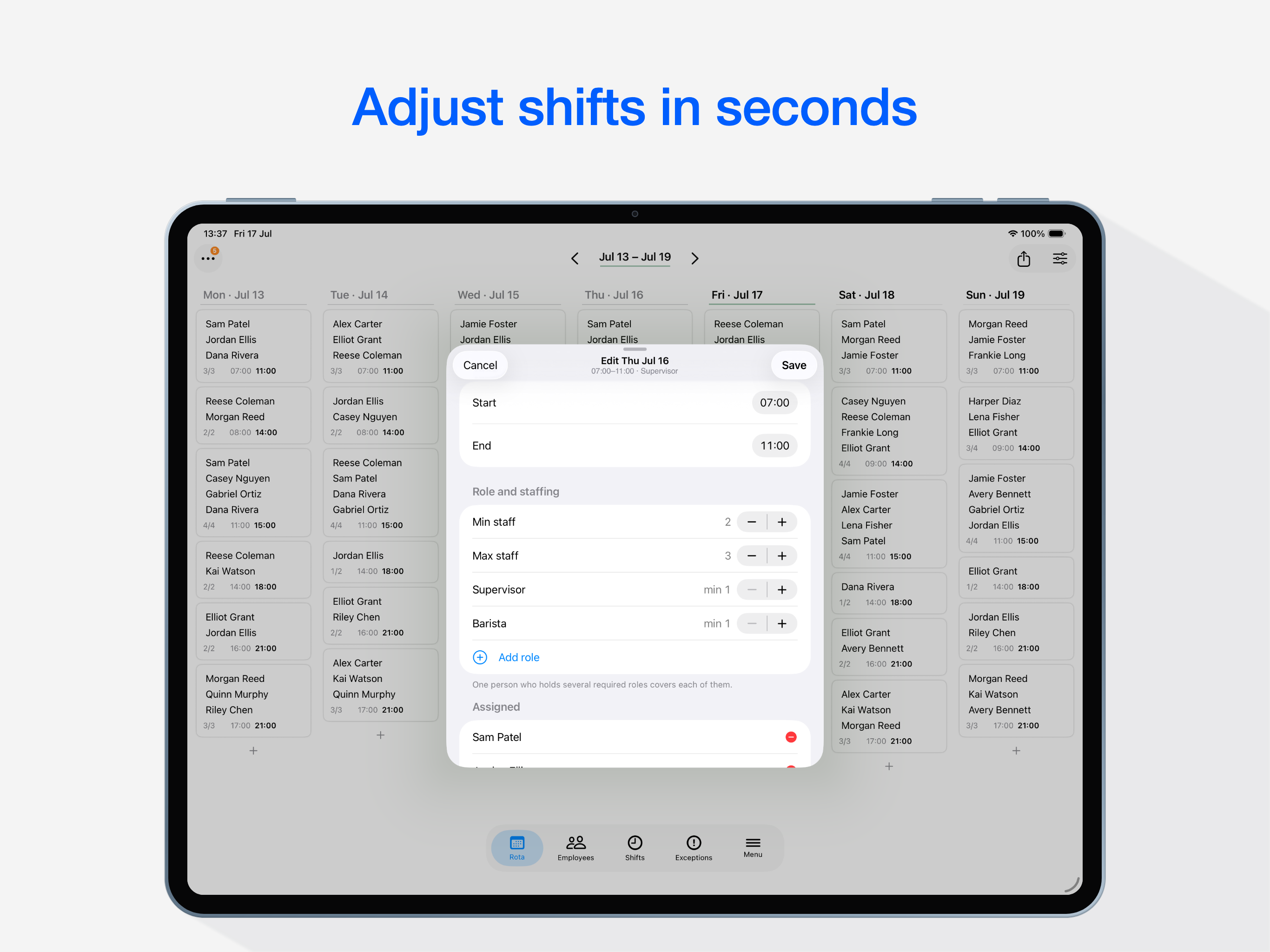
Shifts & availability

Scheduling that actually fits your team.

Describe the week you need and the people you have. autorota handles the rest — including the odd week that looks nothing like the usual one.
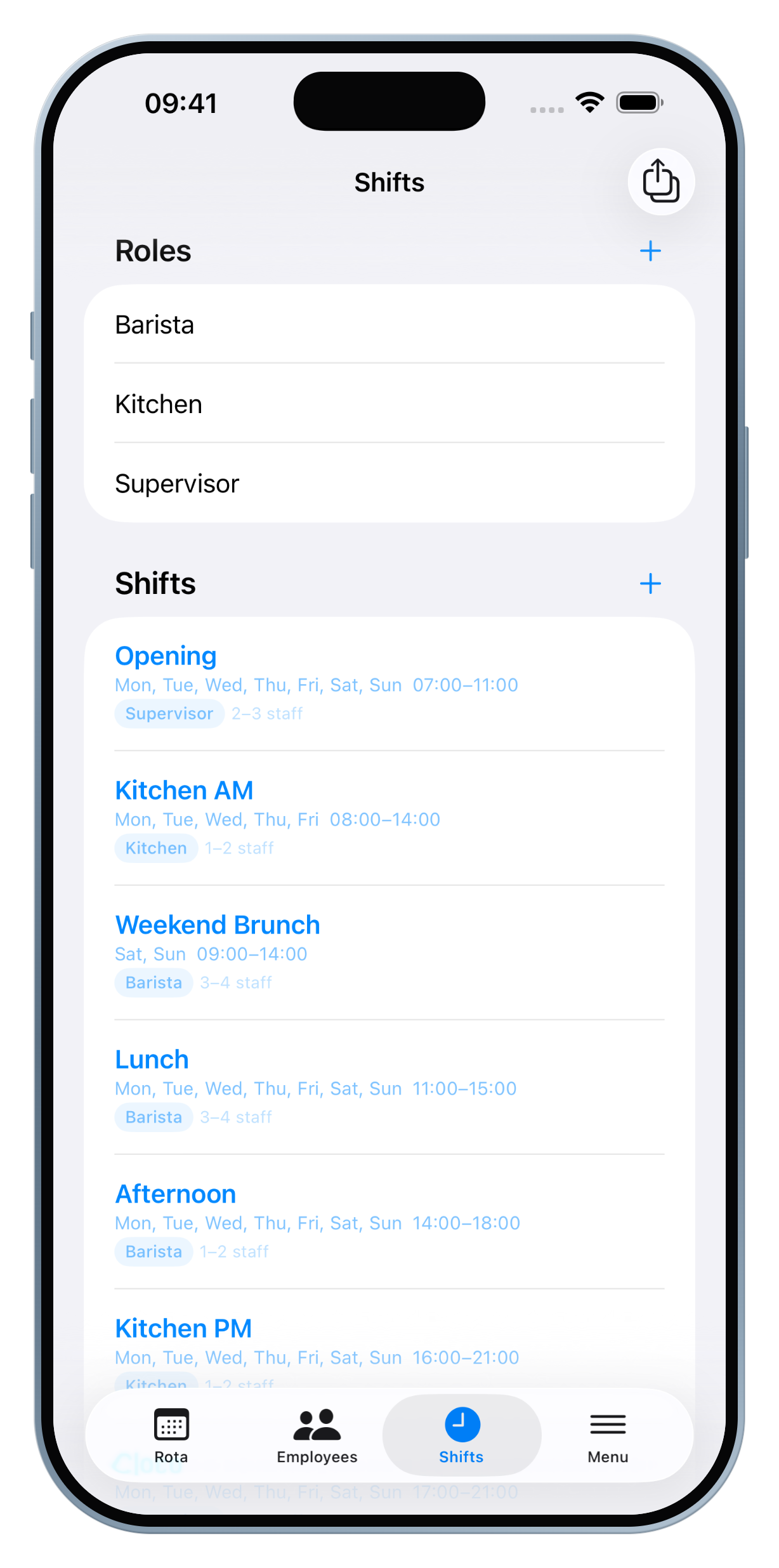
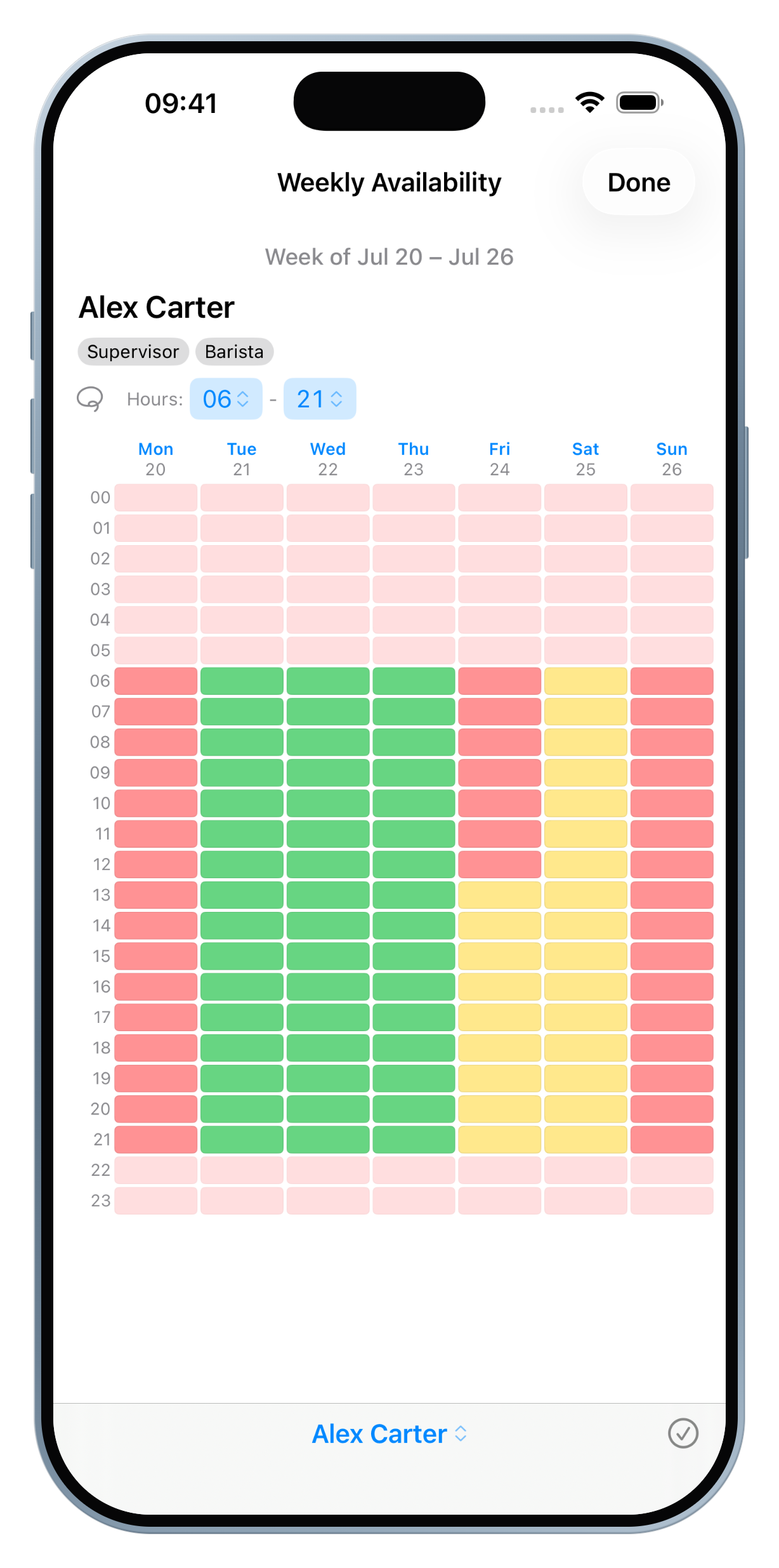
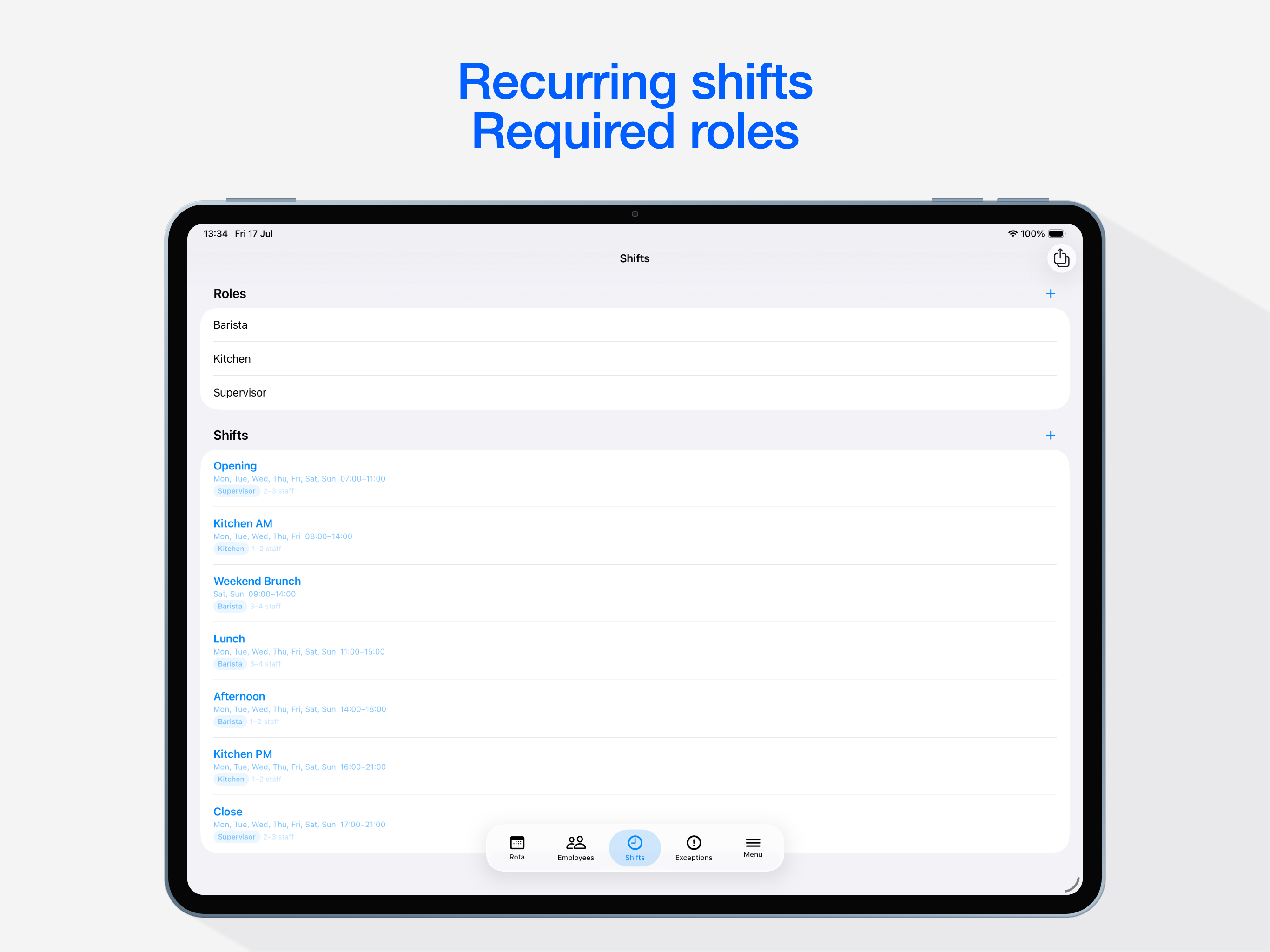
  • Recurring shifts with roles and flexible headcount — or wildcard shifts anyone can cover
  • Hour-by-hour availability: yes, maybe, or no, with a reusable weekly pattern
  • Date-specific exceptions for real life: edited times, extra cover, cancellations
  • Weekly and daily hour limits, so nobody quietly ends up with 60 hours
Shift setup screen
Availability grid screen
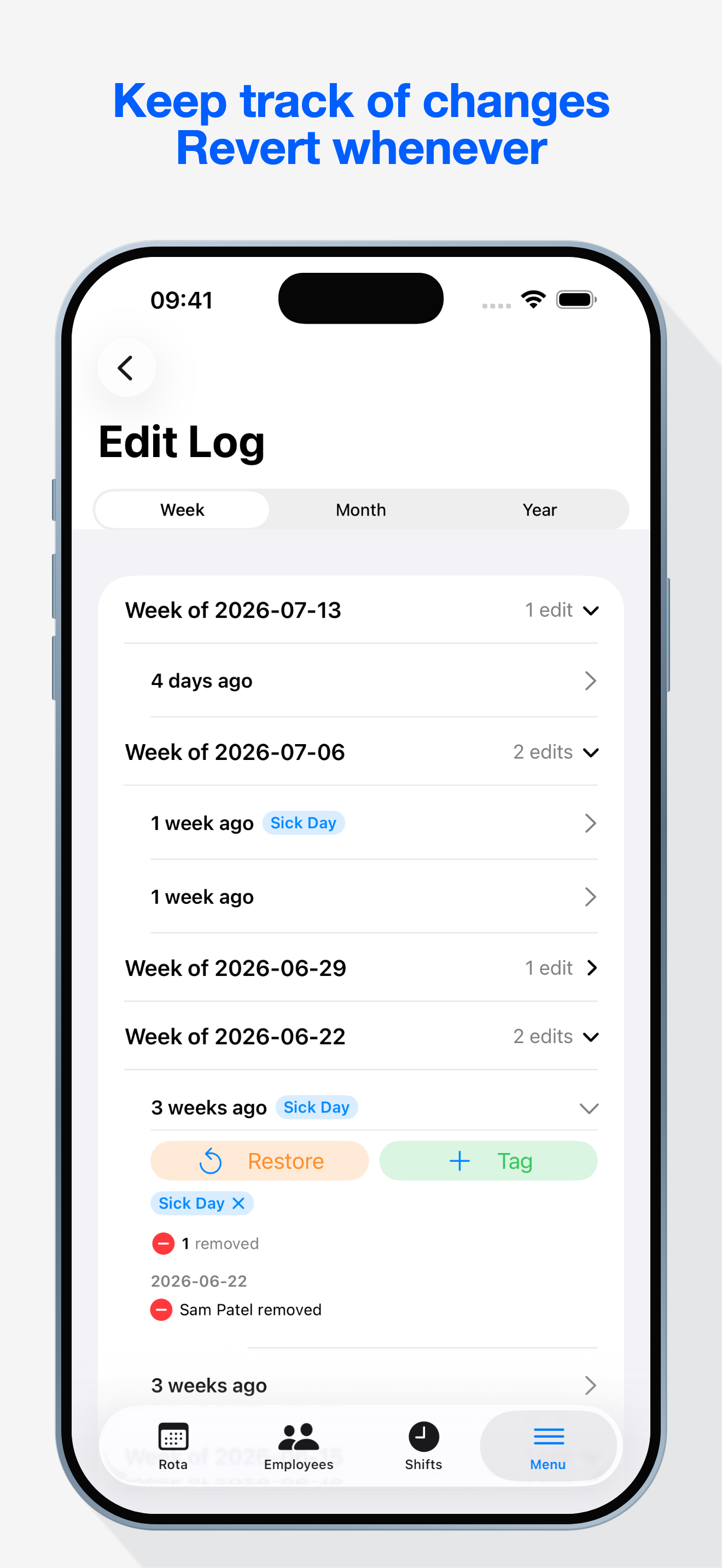
Edit Log

Edit freely, with a safety net.

The Edit Log keeps a timeline of your rota's history. Experiment as much as you like; you can always get back.
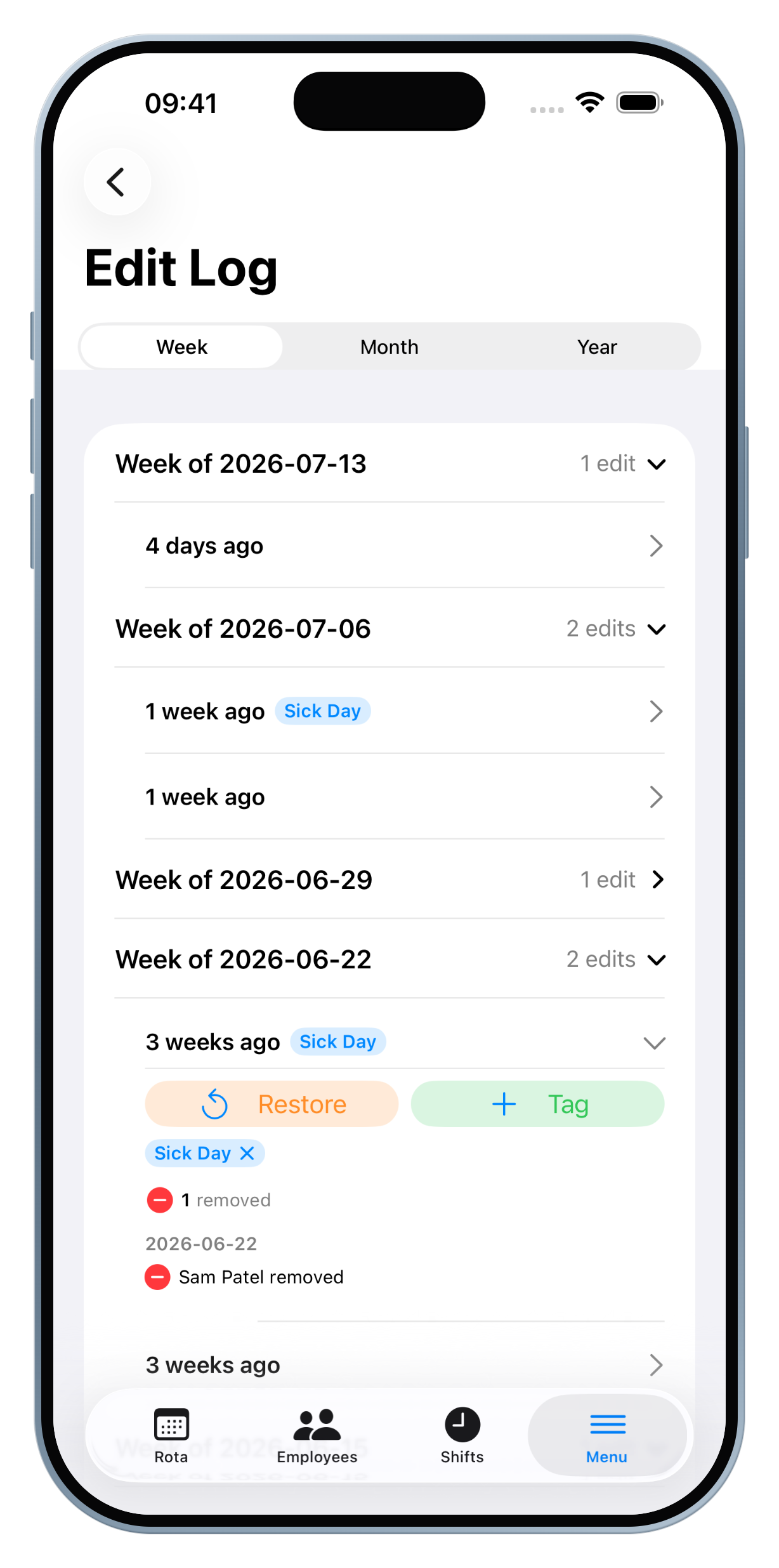
  • Every change saved automatically — no commit button to forget
  • Expand any entry to see exactly what changed, and label versions worth keeping
  • Restore any earlier state in a tap
Edit Log timeline screen
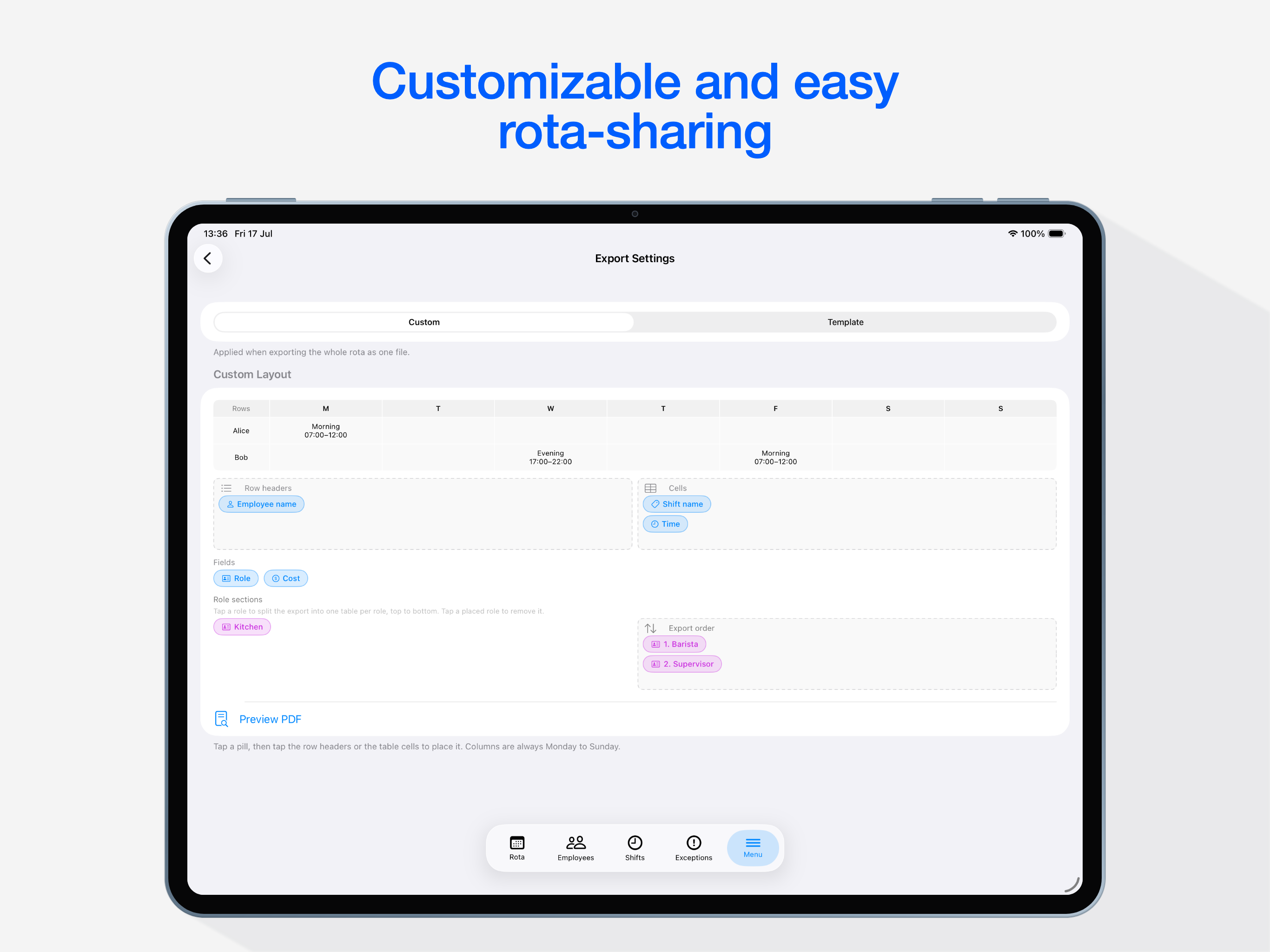
Export & share

Share the schedule, not the spreadsheet.

Build the export your team actually reads — then send it anywhere.
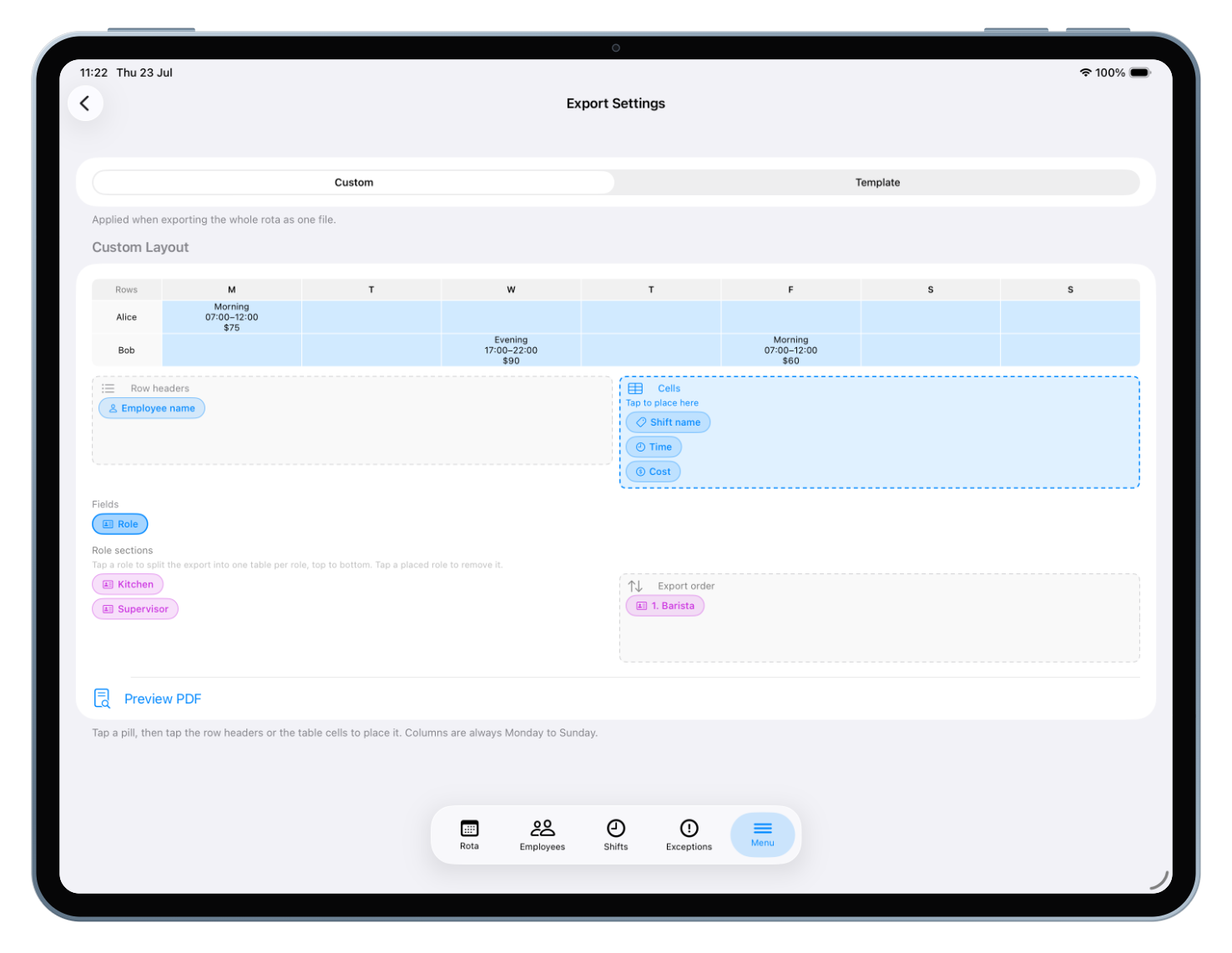
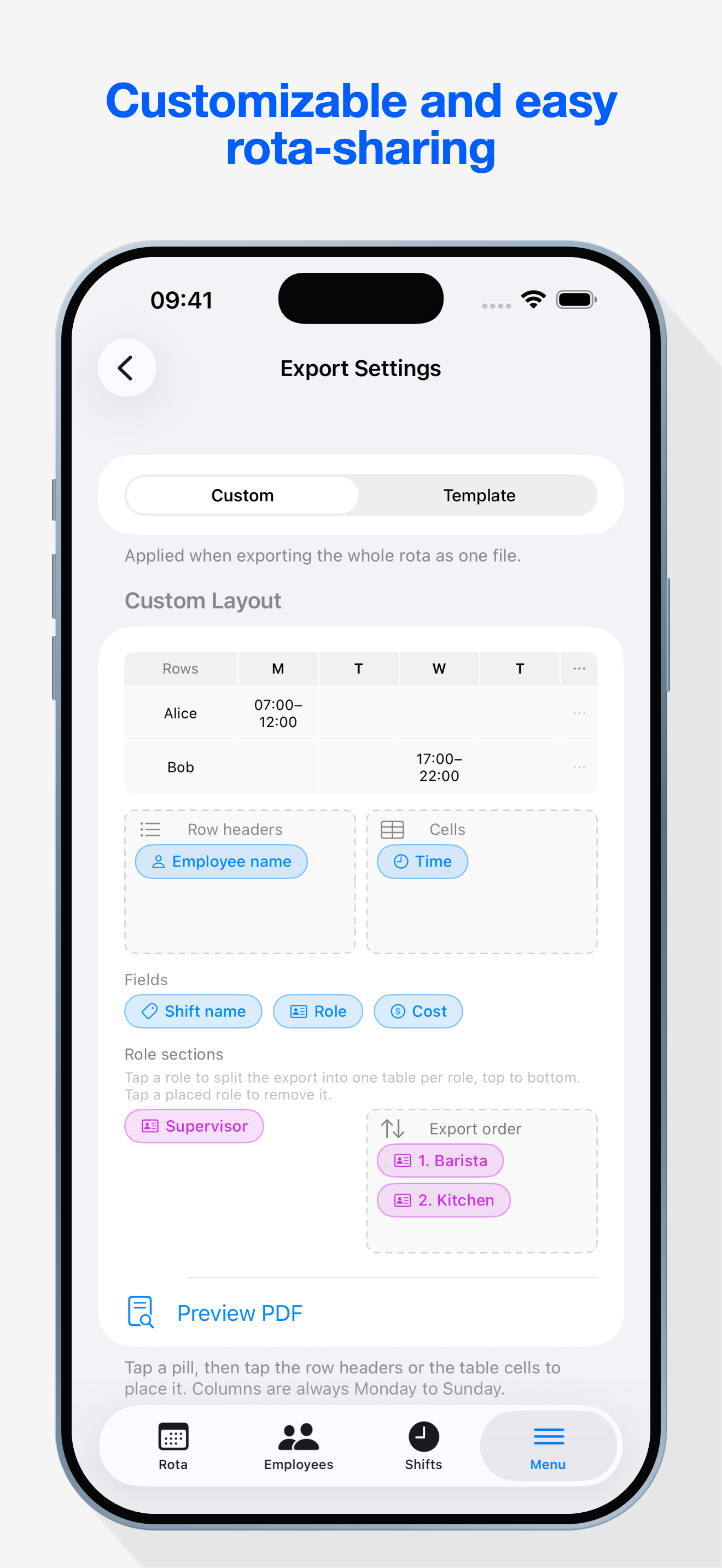
  • PDF layouts: full weekly grid, by role, or individual schedules
  • Staff version, or a manager version that includes costs
  • CSV and JSON for everything else, sent with the standard share sheet
Export settings on iPad
Costs

Know what the week costs.

The rota is also a budget. autorota does that arithmetic while you build the week.
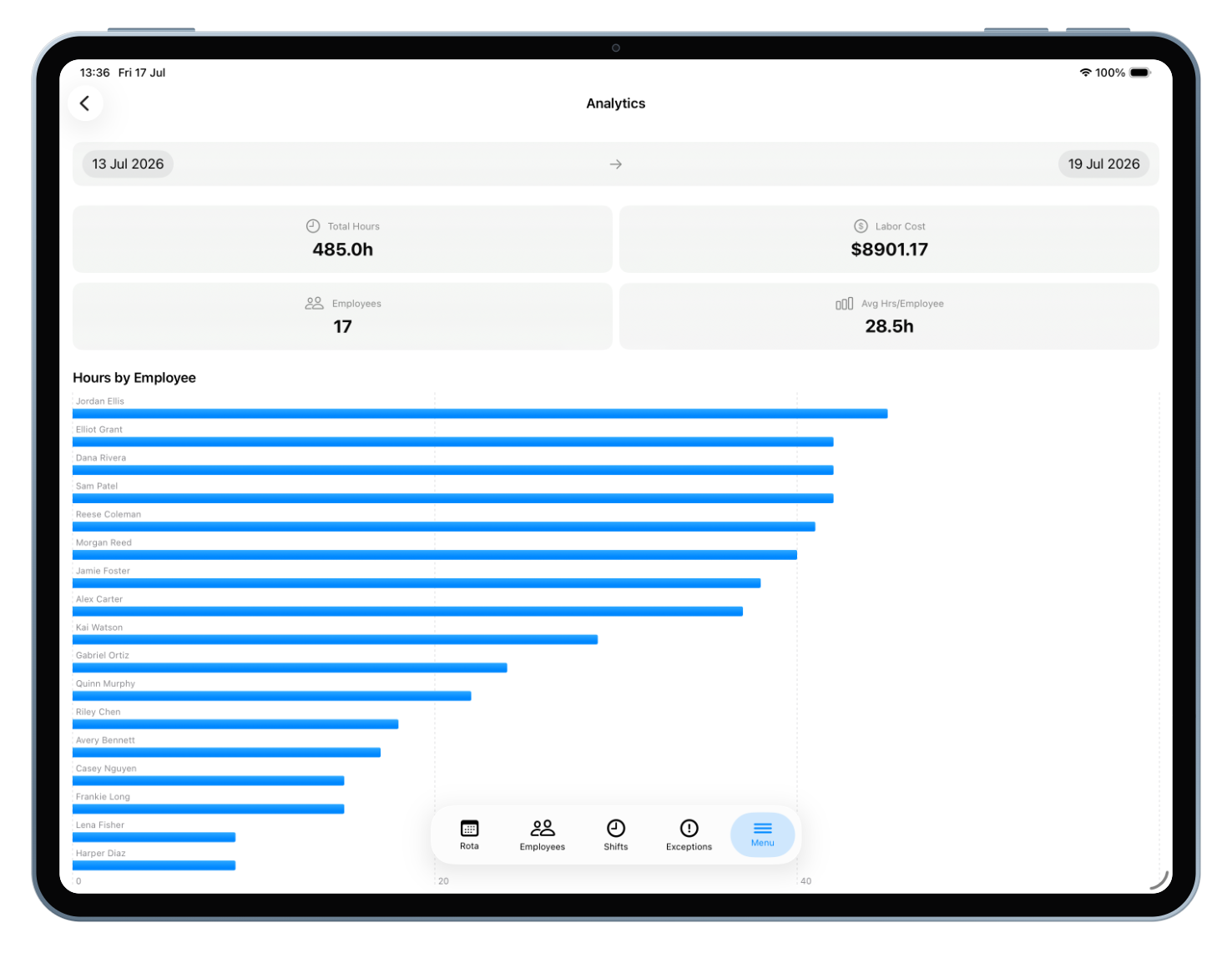
  • Hourly wages per person — in each person's own currency if your team is mixed
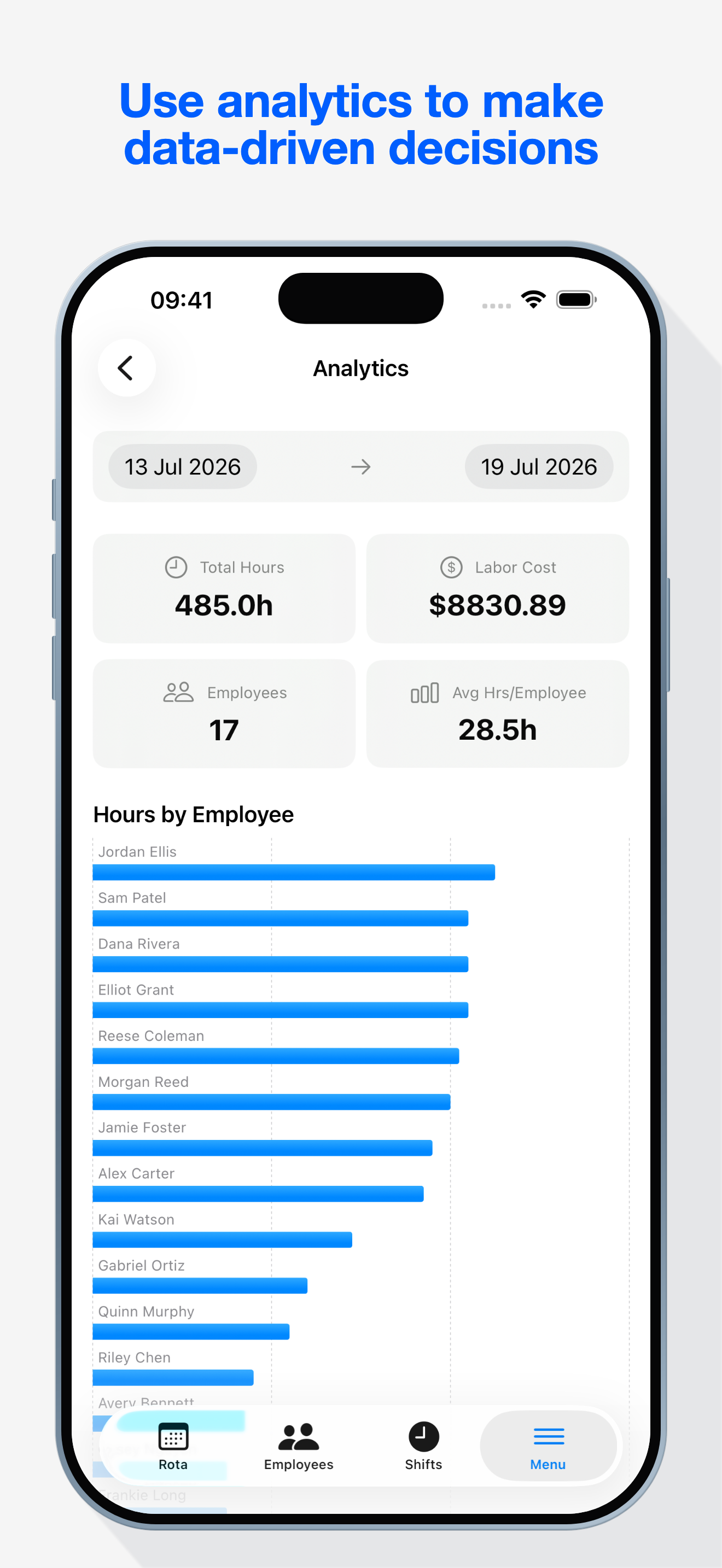
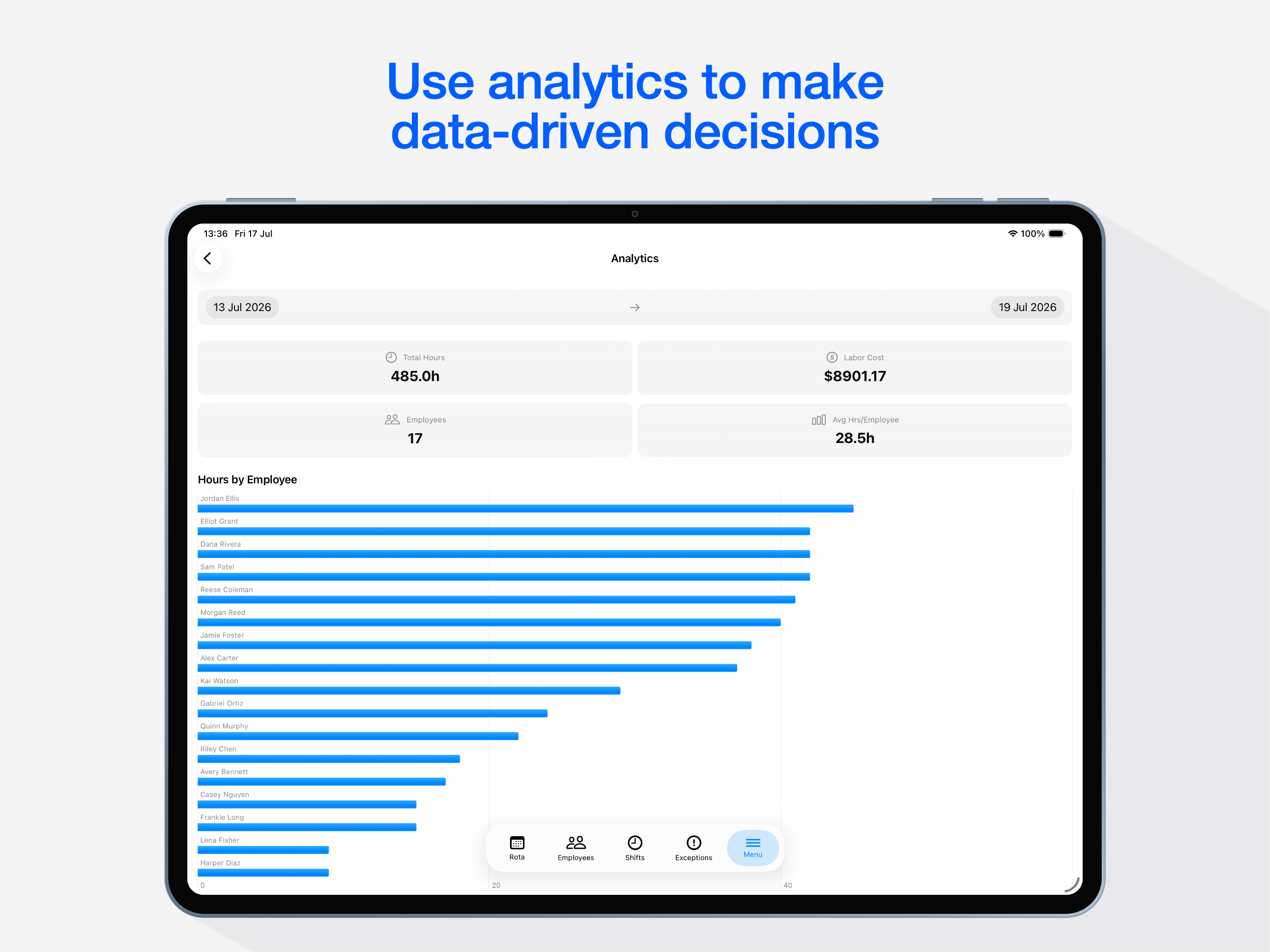
  • Weekly hours and labour costs, with charts to spot trends
  • See the cost before you publish the schedule, not after payday
Analytics dashboard on iPad
Gallery

Have a look around.

autorota app screenshot

No accounts. No tracking.
Nothing collected.

On your device

Your schedule lives in a local database on your iPhone or iPad. It is never sent to us — there is no server of ours to send it to.

Your own iCloud

Optional sync moves data between your devices through your private iCloud account. Protected by Apple; invisible to us.

One anonymous request

The only network call is an optional currency-rate lookup, carrying no personal data at all. That's the entire list.

Read the full privacy policy

If your week runs on shifts and you're the one juggling them, autorota is for you.

  • cafés
  • bars
  • shops
  • salons
  • studios
  • clinics

Give your Sunday evening back.

Free. iPhone and iPad.

Download on the App Store

Questions? fongo02@proton.me